
Apps › CompressBox
CompressBox: Image Compressor
Image & video compressor for Mac
 🔒 Processed on your Mac
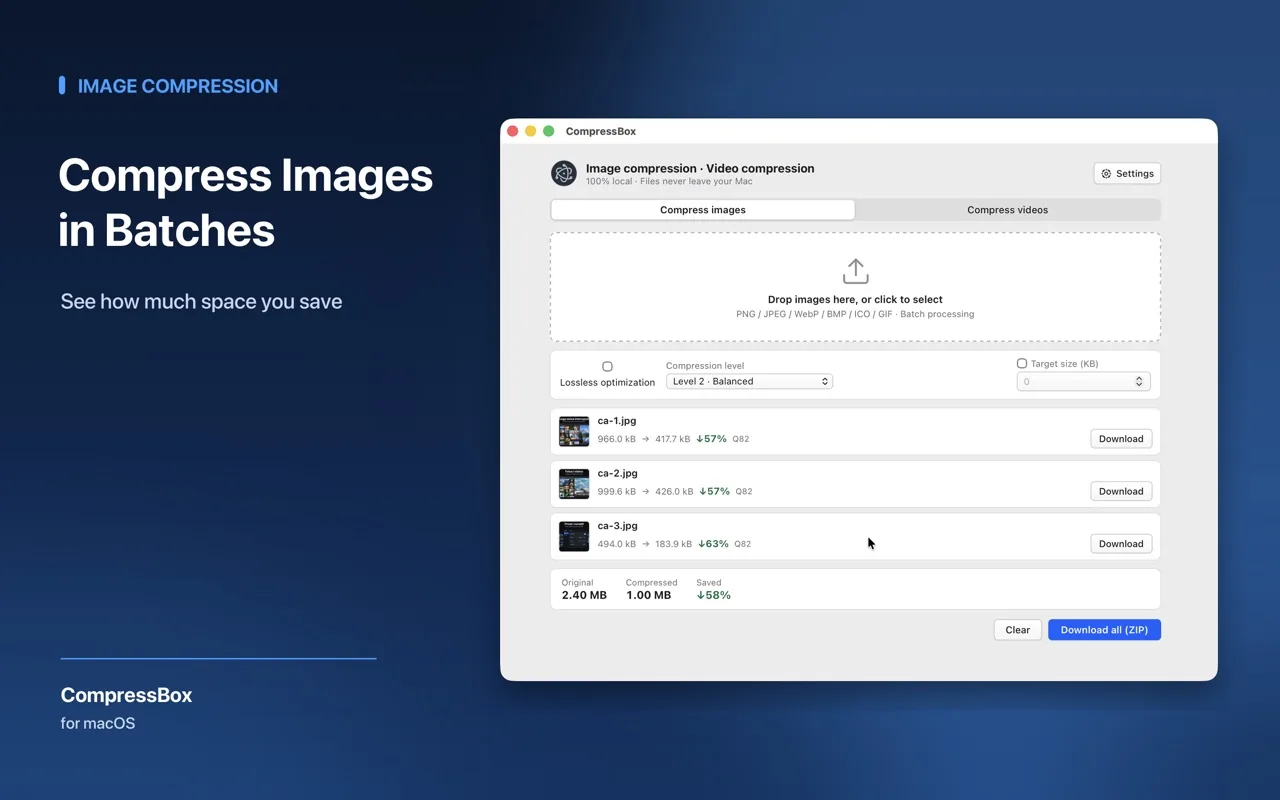
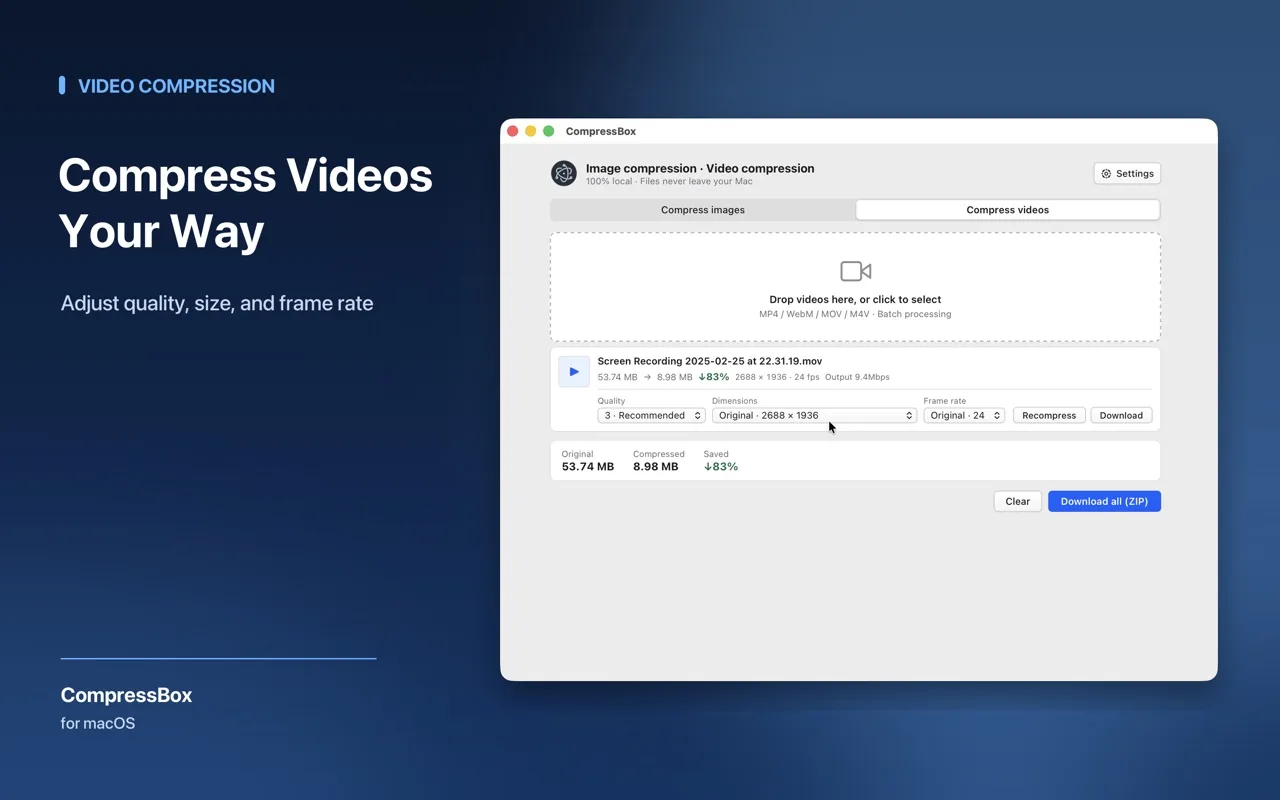
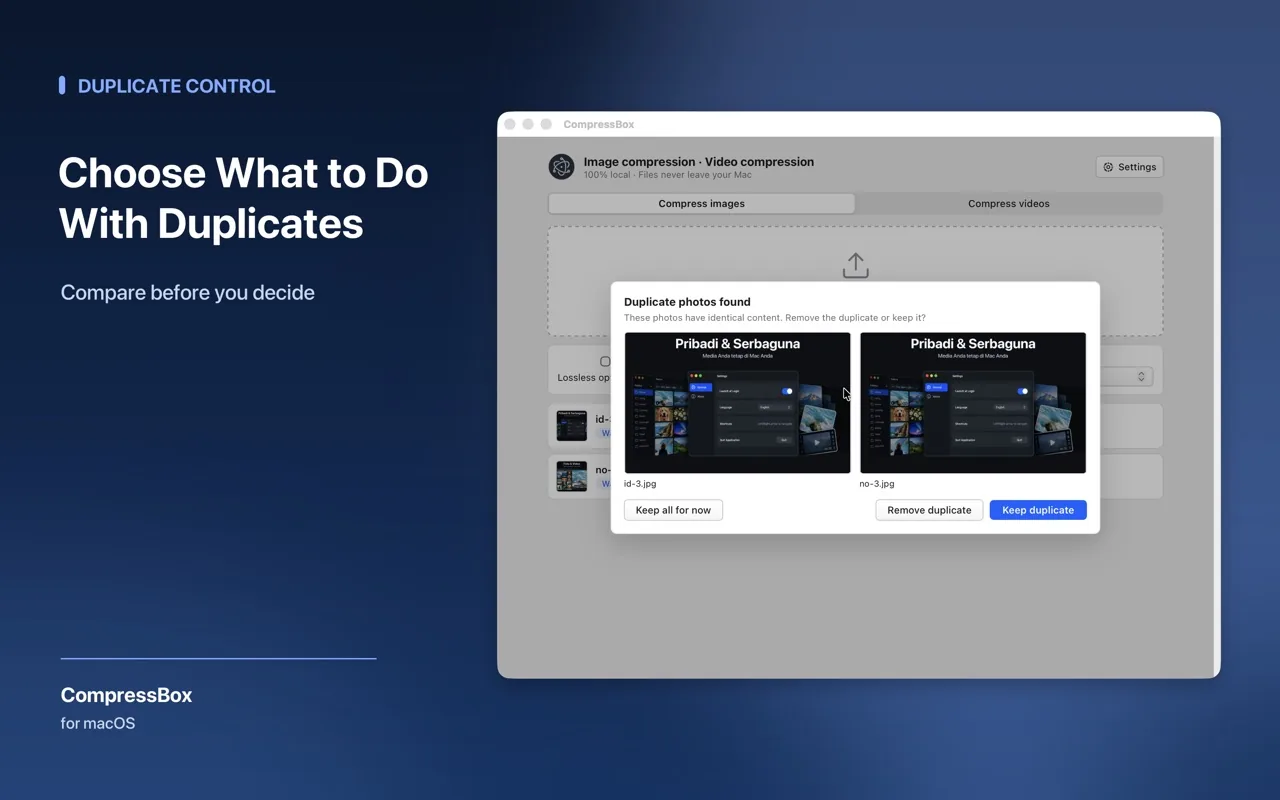
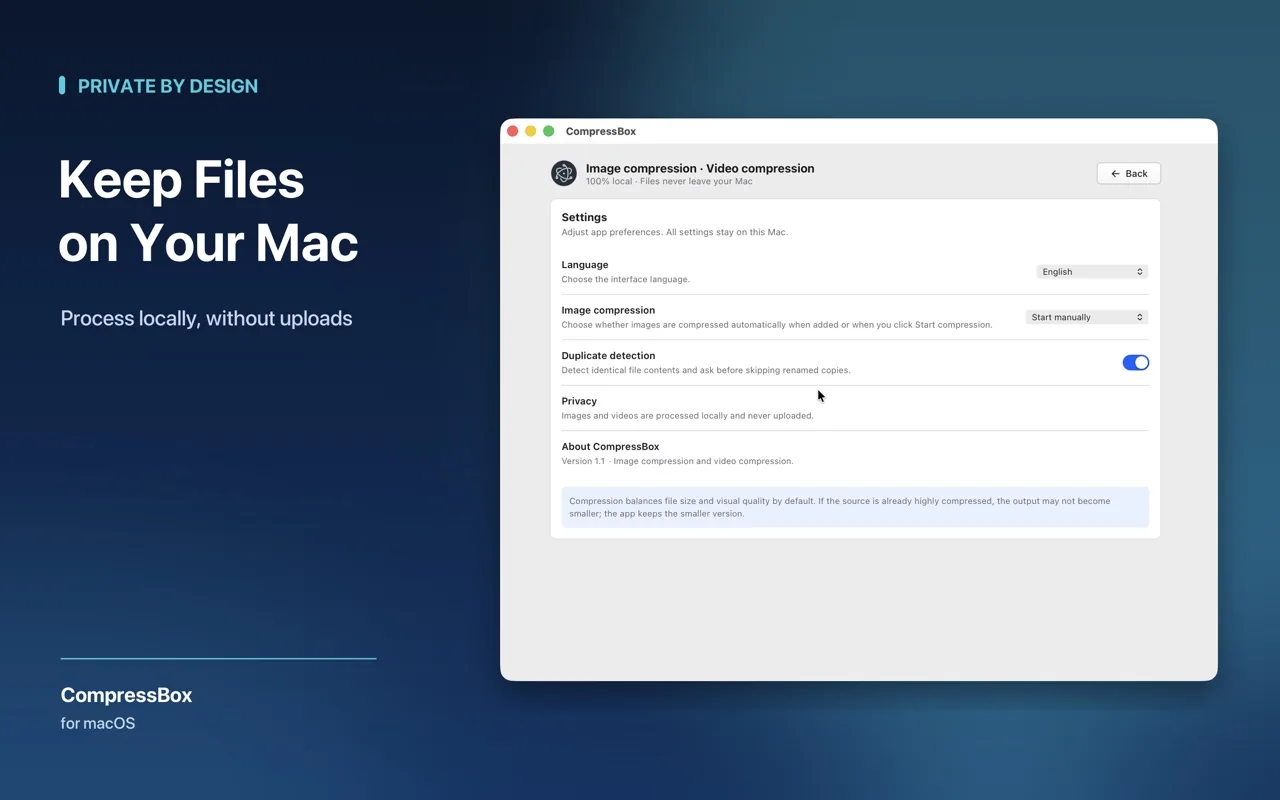
CompressBox compresses images and videos entirely on your Mac. Files are processed locally and are never uploaded to a server.
Everything you need. Nothing you don’t.
Smart image optimization
Choose a quality level to balance size and detail, or set a target size.
Lossless PNG
Lossless compression preserves original pixels.
H.264 video
Native H.264 compression for MP4, MOV and M4V.
Batch processing
Process multiple files in one go.
Quality levels
Adjust quality per video before starting.
Keep the original
Keeps the original when compression would make a file larger.
Who it’s for
- Anyone preparing images for a website, email or social post
- Designers and developers shipping assets
- People who want to shrink videos before sharing
- Anyone who prefers not to upload files to an online compressor
🔒 Privacy at a glance
- Files are processed locally and never uploaded
- No account, analytics, ads or tracking
- Output saved locally to your Downloads folder
Frequently asked questions
Where are compressed files saved?
Completed files are saved locally to your Downloads folder.
Why didn’t my file get much smaller?
Already optimized files may not become much smaller without quality loss. If output size grows, try a lower quality setting or retain the original format.
Does it change video size or frame rate?
Videos keep their original dimensions and frame rate by default. You can adjust the compression quality for each video before starting.
What do I need to run it?
macOS 13 or later.
Related guide