


Turn a folder of scattered images into an organized, consistently named set. ImageRenamer works entirely on your Mac. Your images are never uploaded or collected.
Everything you need. Nothing you don’t.
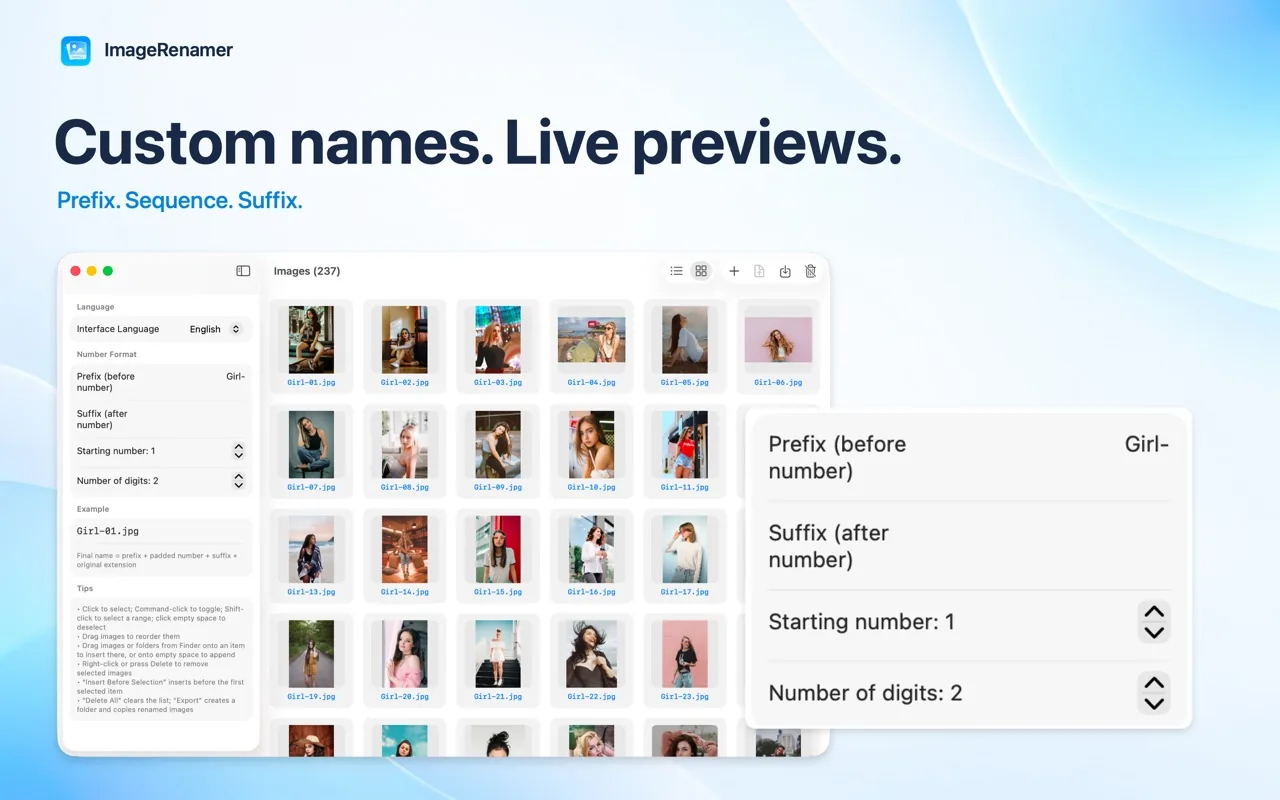
Prefix, number, suffix
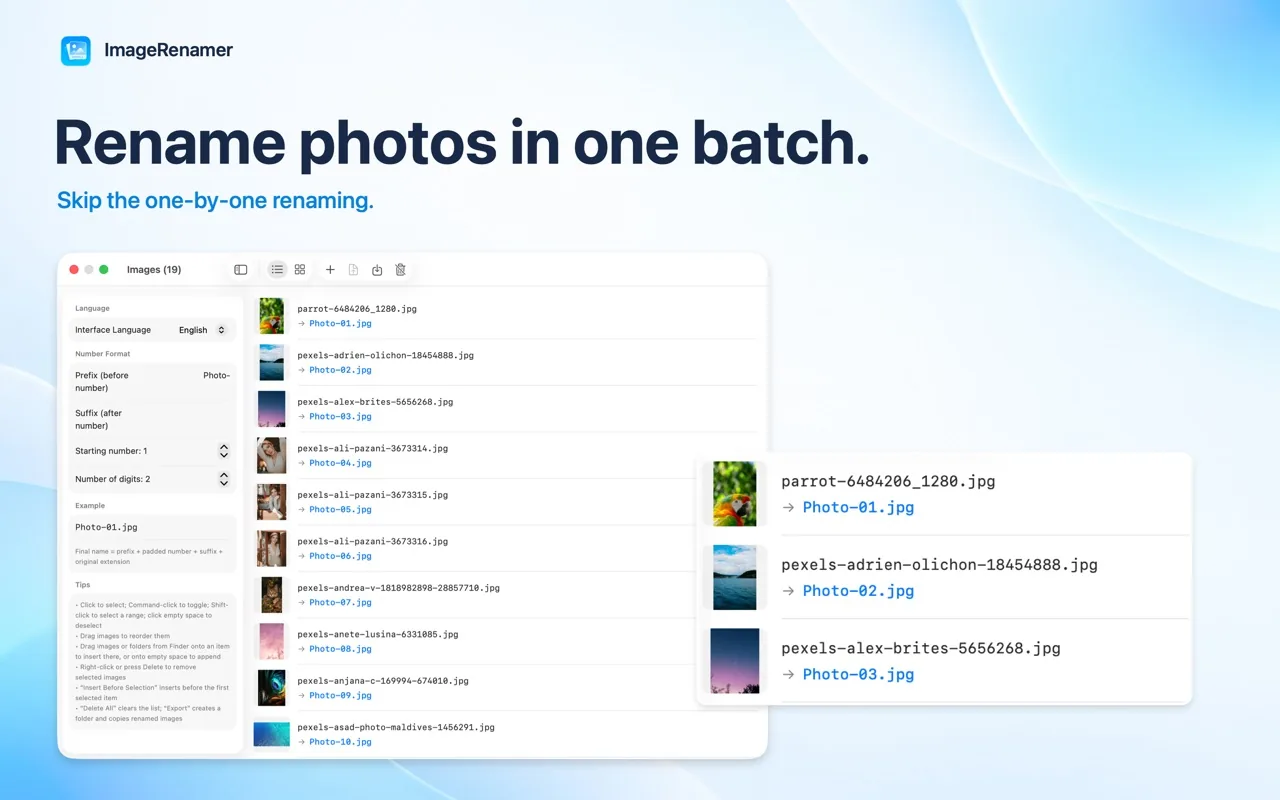
Rename with a prefix, padded sequence number, and suffix.
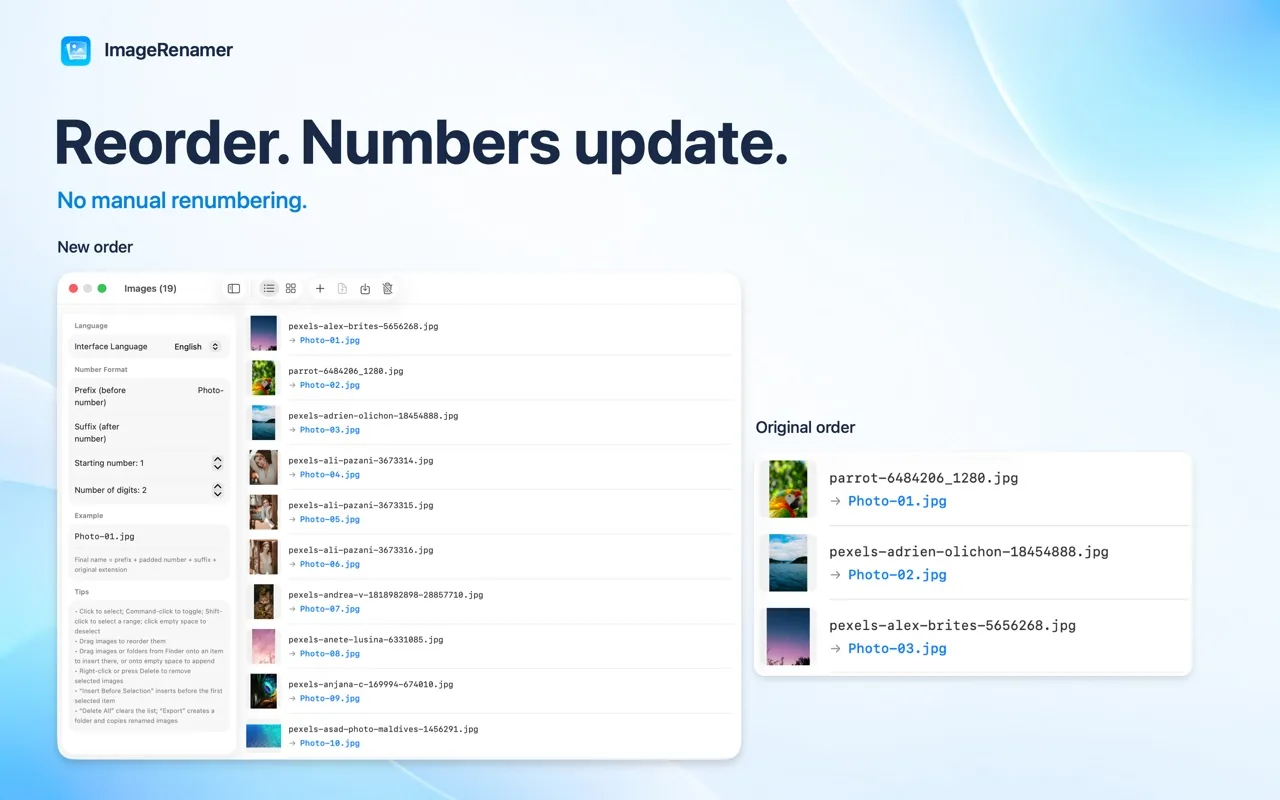
Insert & reorder
See numbering update instantly as you insert or move images.
Images or folders
Add individual images or entire folders from Finder.
Duplicate detection
Detect duplicate files by content.
List or grid
Preview in list or thumbnail grid view.
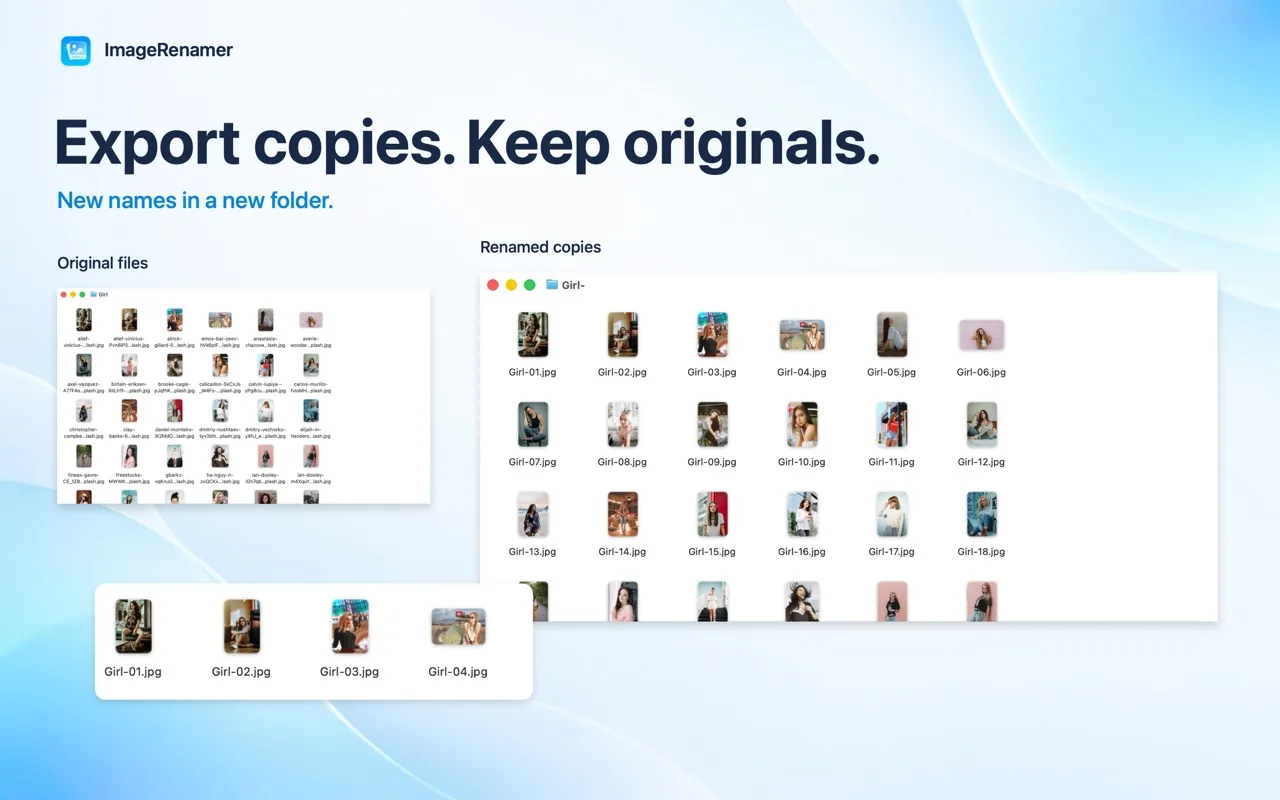
Export copies
Export renamed copies into a new folder without changing the originals.
Who it’s for
- Photographers delivering a shoot
- Designers handing off exports
- Shops organizing product catalogs
- Anyone tidying up a folder of images
🔒 Privacy at a glance
- Works entirely on your Mac, offline
- No analytics, ads or tracking SDKs
- Only accesses the files and folders you choose
Frequently asked questions
Are my original files changed?
No. ImageRenamer exports renamed copies into a new folder; the source files and their original names stay in place.
How do I import images?
Use Add Images or Add Folder, or add files from Finder.
Why does macOS ask for permission?
Select an output folder when macOS asks for permission. The app accesses only the images and folders you choose.
What do I need to run it?
macOS 14 or later.